
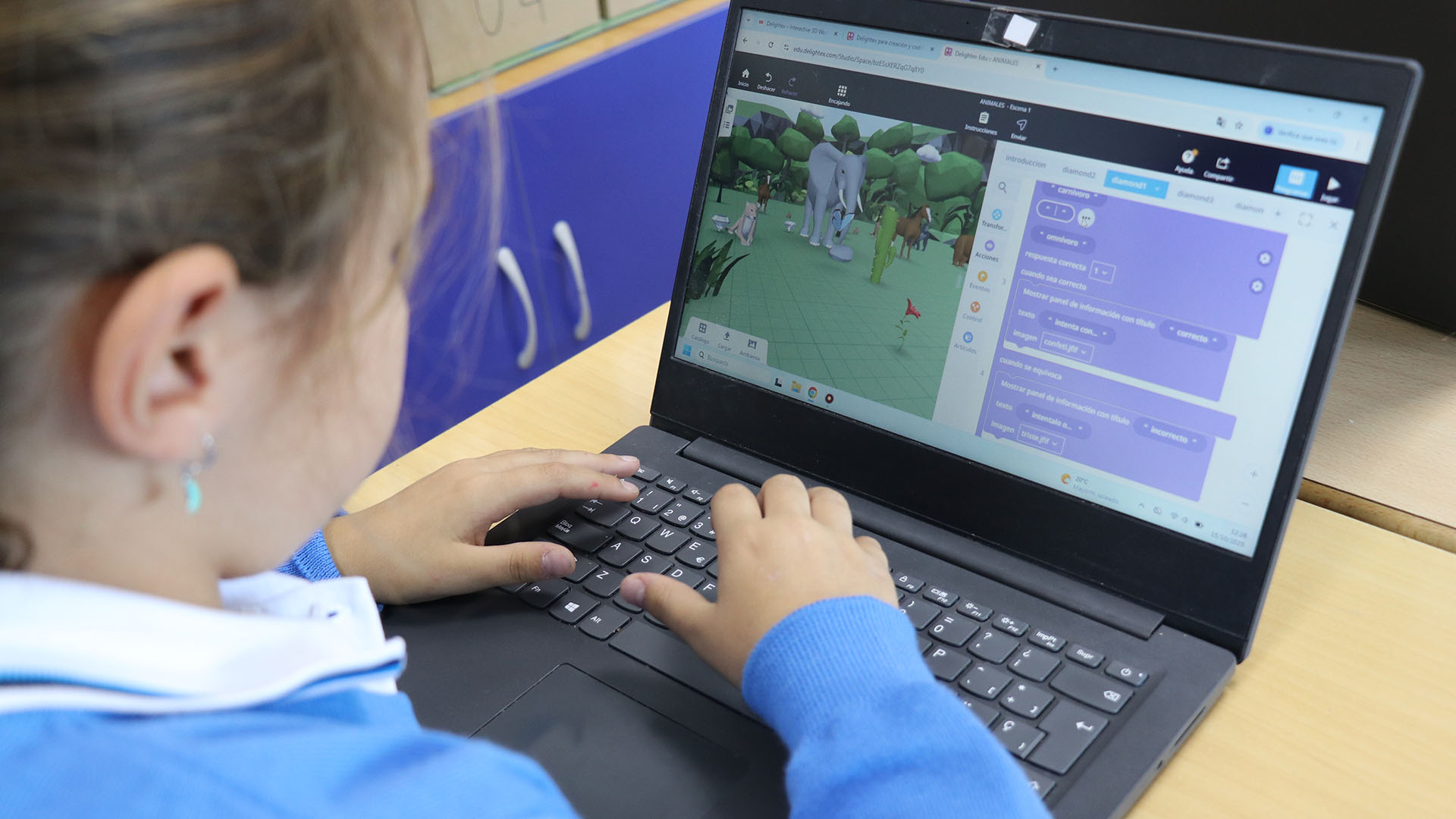
As parents, it is easy to fall into the trap of thinking that our children, as “digital natives”, know how to protect themselves instinctively. However, there is a critical gap that today, Safer Internet Day, must be made clear: the digital maturity gap. While they can master the interface of a social network in seconds, they lack the life experience to detect the psychological manipulation behind a screen. The real problem is not the device. It is exposure to risks for which their emotional development has not yet generated defences.
ALERT ON CYBERSECURITY FOR MINORS
El Día de Internet Seguro no es una efeméride más; es una alerta necesaria. Según datos de organismos como el INCIBE, los incidentes de ciberseguridad en menores han evolucionado hacia formas más complejas. Desde el phishing dirigido, hasta la suplantación de identidad mediante IA. Por lo tanto, un descuido en la privacidad hoy, no solo es un riesgo inmediato. Construye una huella digital imborrable que afectará a sus futuras oportunidades académicas y profesionales. La seguridad no puede ser reactiva; si esperamos a que ocurra el problema, ya hemos llegado tarde.

STRATEGIES FOR DIGITAL CITIZENSHIP BASED ON EVIDENCE
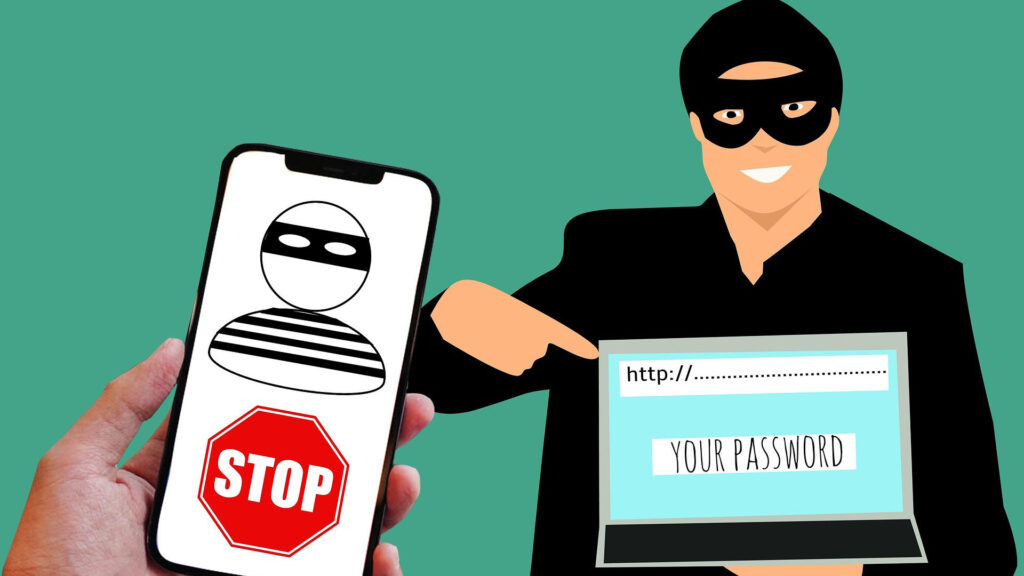
To ensure a safe environment, we must move from control to training. Here are the key recommendations from educational safety experts:
- Alfabetización crítica (Media Literacy): Enseñe a sus hijos a verificar fuentes. En un mundo de fake news, el pensamiento crítico es el mejor firewall.
- Privacy by design: Set up social media profiles with them. Explain why geolocation or camera access should be restricted.
- Management of digital identity: They must understand that the internet has “memory of an elephant”. What is published today is your CV of tomorrow.
- Ethical use of AI: On this Day of Internet Safety 2026, it is vital to talk about a13> the limits of artificial intelligence and respect for the image of others.
- Support, not just surveillance: Parental control tools are useful, but they never replace active supervision and open dialogue.
THE COMMITMENT OF THE SCHOOL CASVI VILLAVICIOSA
At the Casvi Villaviciosa International School, as corroborated by the digital newspaper Madridiario, we address digital security not as an annual talk. We do this as a core part of the IB Programme Continuum. Our approach stands out because:
- We integrate technology into the classroom so that the student learns to use it as a tool for creation, not just for consumption.
- We develop the profile of “Informed and Educated”. Thus, we train the students to navigate in an moral and safe manner.
- We have a team of specialised teachers who act as a guide in the construction of your digital identity.
These actions have been reported on by other media outlets such as “Soy De…” and “Móstoles Hoy”. For these actions, we have also been recognised at the 17th ICT Security Awards organised by “Red Seguridad”.
FREQUENTLY ASKED QUESTIONS ABOUT SAFER INTERNET DAY
What is Safer Internet Day?
A global event to promote the safe and positive use of technology, especially among children and young people.
What is ransomware and how can you protect your device from it?
Malicious software that hijacks your data. Protect yourself with external backups and avoid downloading from unofficial sites.
¿Cómo pueden proteger los padres a sus hijos en Internet?
Through education in critical thinking, the establishment of rules of use, and active support.
What is the purpose of Safer Internet Day?
Promote a culture of respect, responsibility and safety in the digital environment.
What is the importance of digital education in online safety?
It is the basis for users to be able to identify risks themselves, without relying solely on external filters.
What is phishing and how can you protect yourself from it?
It is identity theft through deception. The key is to be suspicious of any message that asks for urgent information or passwords.
What is sexting and why is it dangerous?
Sending your own sexual content. This is dangerous because you lose control of the image the moment it leaves your device.
How can you protect your information when using public WiFi networks?
Avoiding bank transactions and always using encrypted connections or a VPN.
What is parental control and how does it work?
Technical tools that restrict access to certain content and times, helping parents manage their children’s digital environment.
How can we protect minors from inappropriate content on the Internet?
Using safe search filters (SafeSearch) and, above all, strengthening your ability to block suspicious content.
What is cyber espionage and how can you protect your security?
Unauthorised access to personal data. This can be prevented with robust passwords, two-step authentication and covering cameras.